开始游戏
由 EmulatorJS 驱动 · Arcade
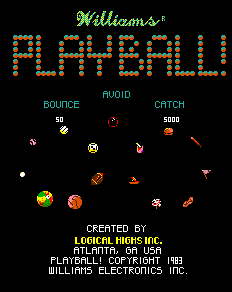
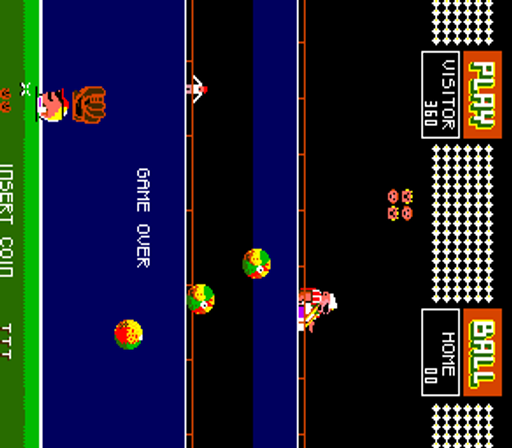
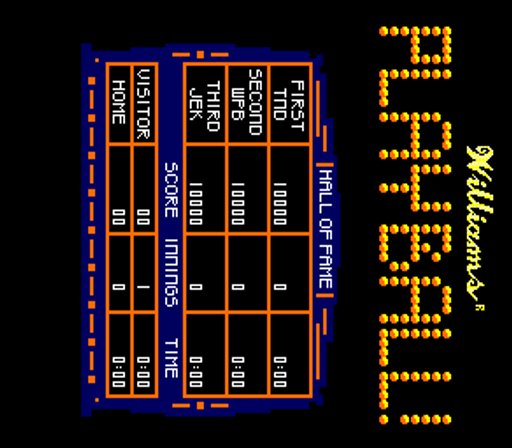
《PlayBall! (prototype)》是 Classic Arcade Games 可玩库中的一台 Arcade 机柜。目录标签归入:Ball & Paddle, Arcade。本页用 EmulatorJS 在浏览器里直接开玩,无需另下安装包或桌面模拟器。
本库记录的人数布局:2P alt。
若想按手感逛而不是按标题,可点上方标签进入对应类型厅,或回到 Arcade 厅看整面机柜墙。
在本页点「开始游戏」即可启动《PlayBall! (prototype)》。键盘、USB/蓝牙手柄,以及模拟器栏里的触屏虚拟手柄都可用。即时存档与全屏也在同一条底栏,方便中途暂停再继续。
本机柜人数布局:2P alt。
本站类型标签:Ball & Paddle, Arcade。
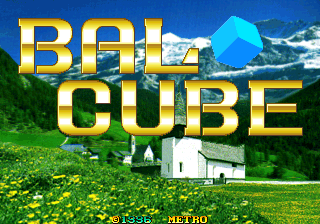
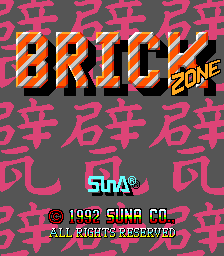
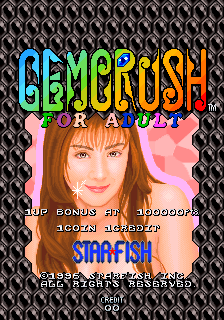
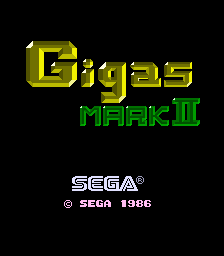
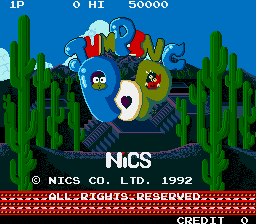
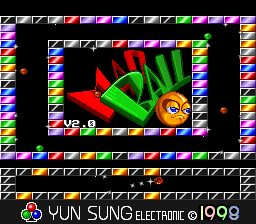
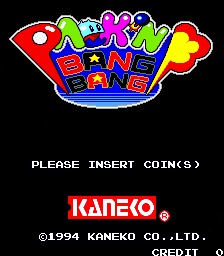
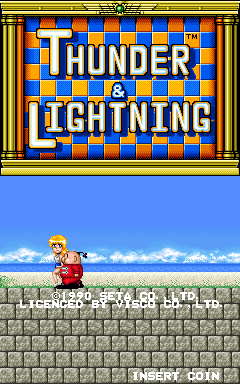
同厅附近还可打开(各有独立开玩页):Tournament Arkanoid (US), Bal Cube, Brick Zone (v6.0, Joystick), Gemcrush (Japan, prototype), Gigas Mark II (MC-8123, 317-5002), Jumping Pop (Nics, Korean hack of Plump Pop), Mad Ball V2.0, Pack'n Bang Bang (prototype), Thunder & Lightning, Zip & Zap (Explicit), Retro Dance Mat (110 song Super StepMania + 9-in-1 games) (PAL), 39 in 1 MAME bootleg (GNO-V000)
Tournament Arkanoid (US) · Bal Cube · Brick Zone (v6.0, Joystick) · Gemcrush (Japan, prototype) · Gigas Mark II (MC-8123, 317-5002) · Jumping Pop (Nics, Korean hack of Plump Pop) · Mad Ball V2.0 · Pack'n Bang Bang (prototype) · Thunder & Lightning · Zip & Zap (Explicit) · Retro Dance Mat (110 song Super StepMania + 9-in-1 games) (PAL) · 39 in 1 MAME bootleg (GNO-V000)
可以。Classic Arcade Games 把《PlayBall! (prototype)》作为 Arcade 机柜放在本页,点开始即可在浏览器里加载模拟器,不必另装应用。
街机手感:方向键当摇杆,X/Z 等作按键,Enter=Start。 USB / 蓝牙手柄可直接用;六键格斗用面键区。
目录标签把《PlayBall! (prototype)》归入:Ball & Paddle, Arcade。点本页标签进入类型厅,可找手感相近的可玩机柜。
复制下方 iframe 代码,即可把游戏嵌到你的网站。
<iframe src="https://cn.classicarcade.games/games/arcade/playball?embed=1" width="800" height="600" allowfullscreen allow="gamepad; autoplay; fullscreen"></iframe>